
I recently saw Muse running on a Sony PSP and wanted to try something similar. Muse is an AI agent from Meta that answers questions, completes tasks, and works in the background like a personal assistant would. Meadow is a new device that has all of the modern essentials you need to go out and feel safe (like ride-sharing, music, or maps) without any of the distractions (like games, social media, or, incidentally, AI agents). Putting the two together is admittedly a bit sacrilegious, but the nerd in me couldn't resist.

@alanaagoyal · october 6, 2026
got muse working on my meadow!
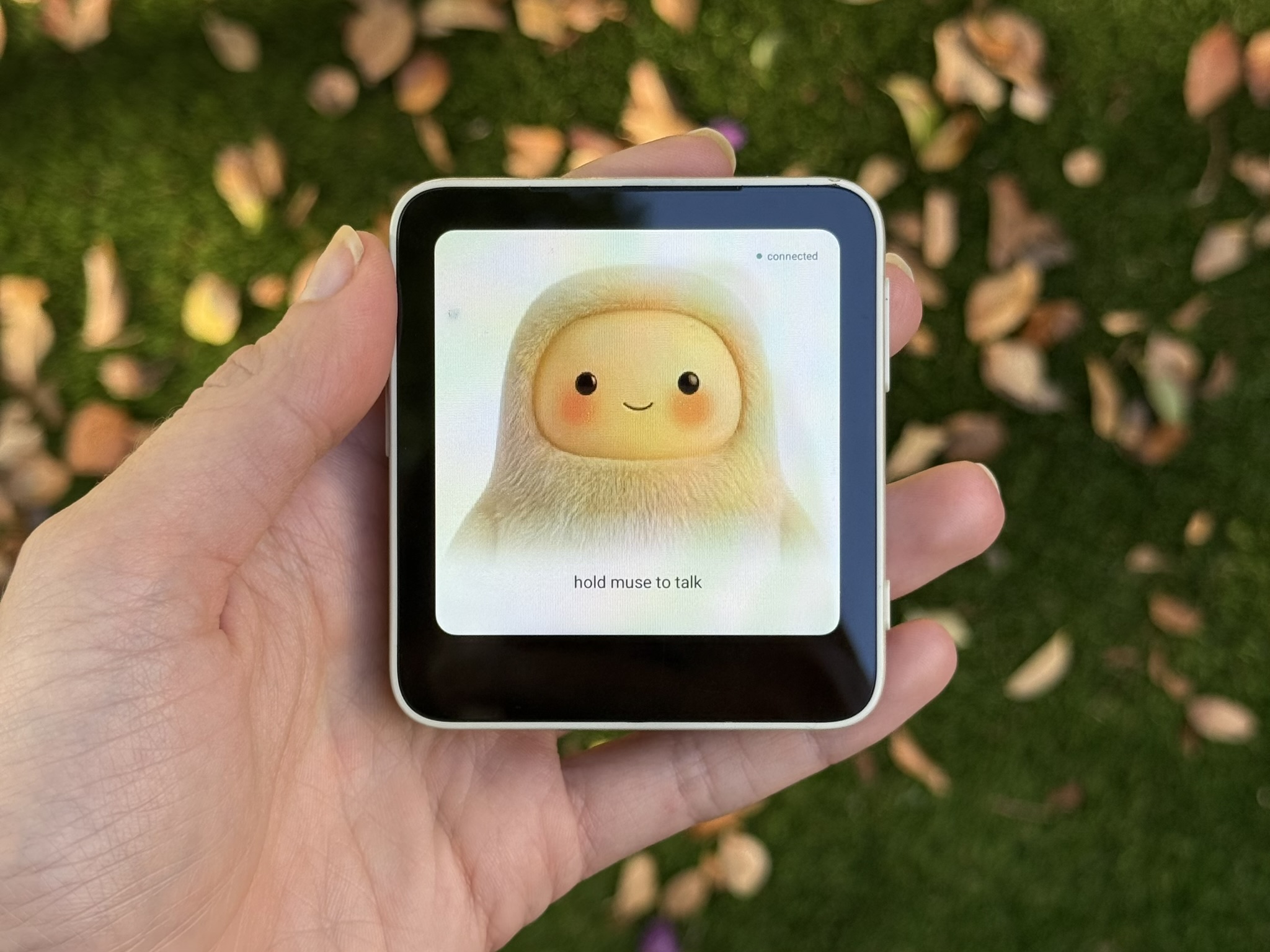
Getting started
Aside from jailbreaking iPhones back in the day, I hadn't hacked a device like this before, but relative to a PSP, the Meadow was a friendly starting point. It runs Android, and my unit already had USB debugging and root access enabled (early investor perks).
I built a simple Android app based on the Muse Gadgets SDK's connection protocol, packaged it as an APK, and installed it over USB. The first version connected to my Muse account and supported text-based questions and answers. After fixing a couple of Bluetooth issues, I could send a question and get a reply.
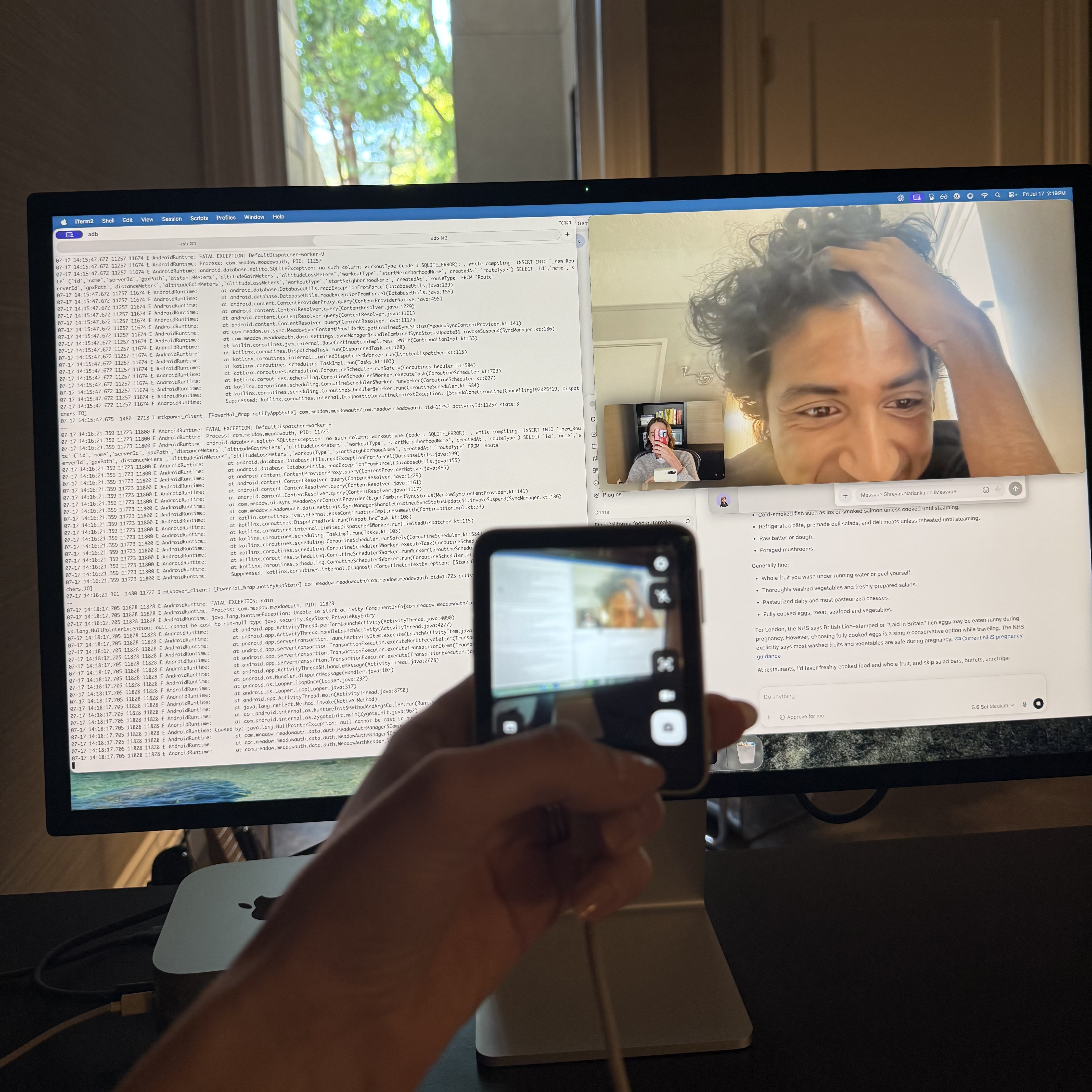
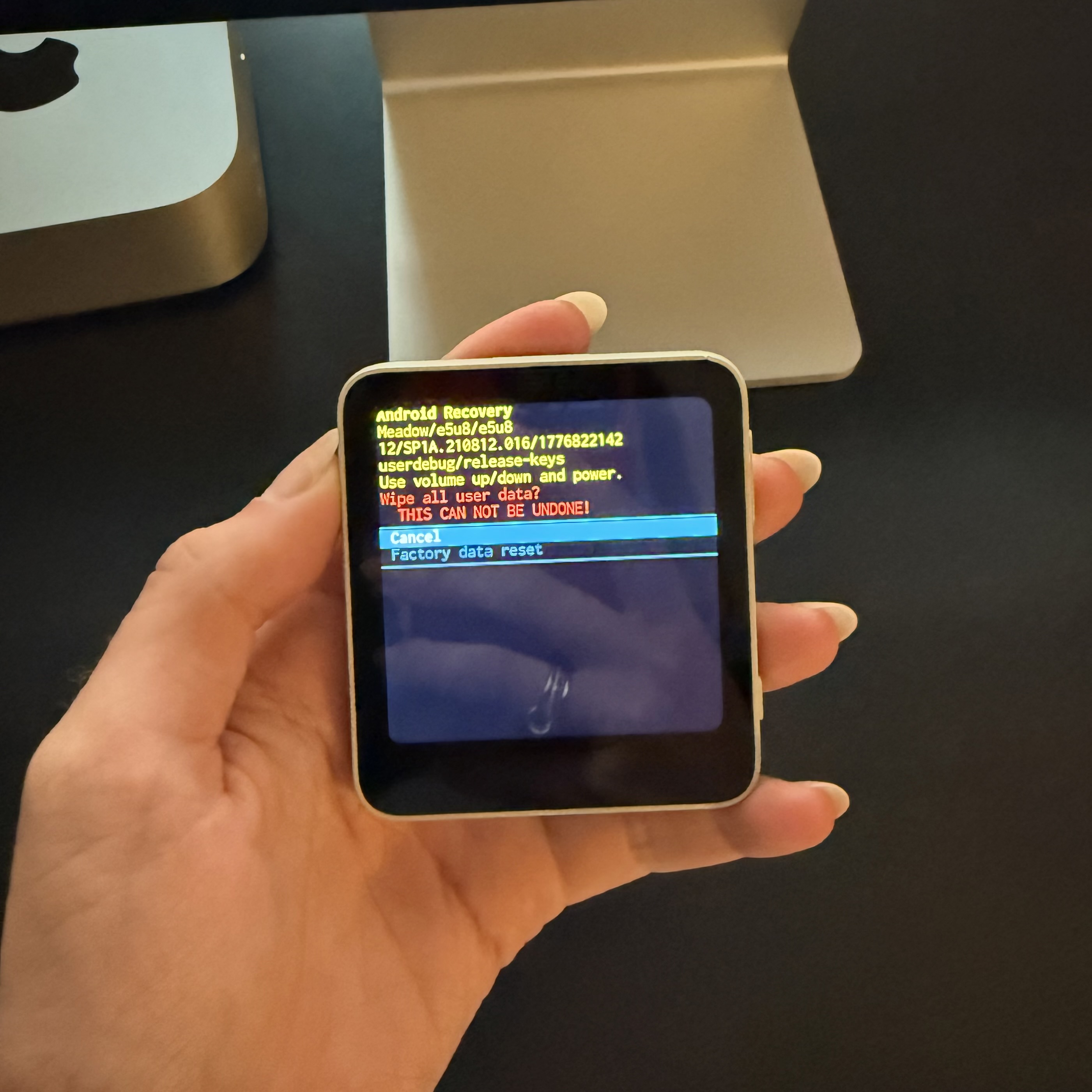
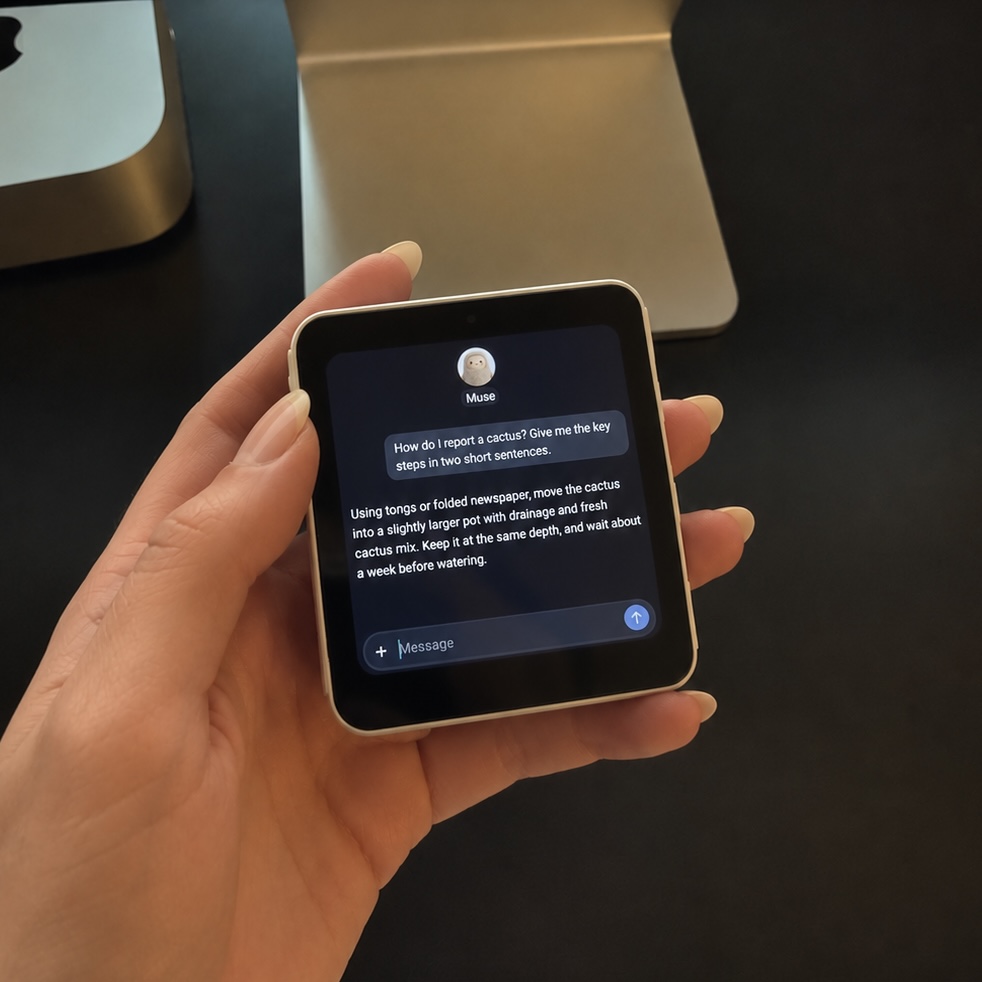
The Meadow comes with a fixed set of apps to keep it free of distractions. When I first got the APK running on the device, I was able to launch it from the command line, but it didn't show up on the home screen. I found out that Meadow's launcher uses its own app list rather than automatically showing every installed app, so I built a replacement launcher that included Muse.
This made Muse appear on the home screen, but it also made other apps I had previously hidden reappear. The better fix was to add Muse's package name and icon to Meadow's own app list using root access. Once I restored the original launcher, the Muse app appeared on the home screen, and I could once again show or hide apps as needed.
Bringing it to life
Given Meadow's small screen, I wanted voice to be the main way to interact with Muse. I started with Vosk to transcribe speech and RHVoice to read Muse's replies, both of which ran locally without an API key. Vosk's small English model let me handle transcription on the device. Transcription worked, but the voice was awful. I kept Vosk and switched speech output to OpenAI's gpt-4o-mini-tts with the Marin voice.
I also wanted to feature the cute little guy himself. I initially used the SDK's pixel character, but I wanted the character from the app. I found two original clips on Muse's website: a greeting and a laptop animation. I converted them to GIFs and played them locally. Holding down the talk button showed the listening animation, and releasing it switched to the working animation while Muse prepared the answer. When the answer was ready, the character switched to blinking and nodding.



The animation ran entirely on Meadow, but answering and speaking still needed an internet connection.
Making it generative
Next, I wanted to see if I could generate the animations on the fly based on my prompts. For example, if I asked about restaurants, Muse would walk down a street lined with places to eat. If I asked about returning a package, Muse would be at UPS.
I used OpenAI's gpt-image-2 to generate an image with six poses based on my prompt and played the poses in a short loop while Muse recited its answer. It looked good, but generating each image took more than 15 seconds, which was often longer than Muse took to think.
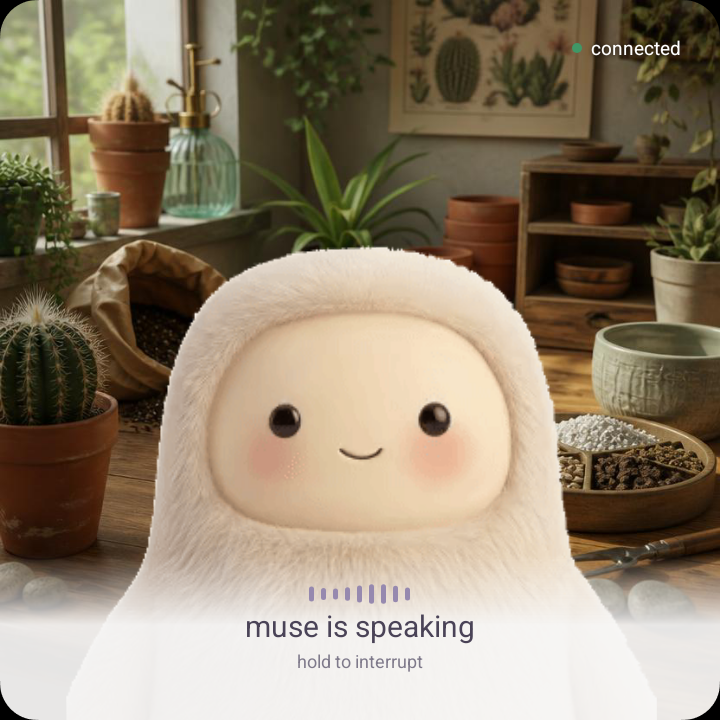
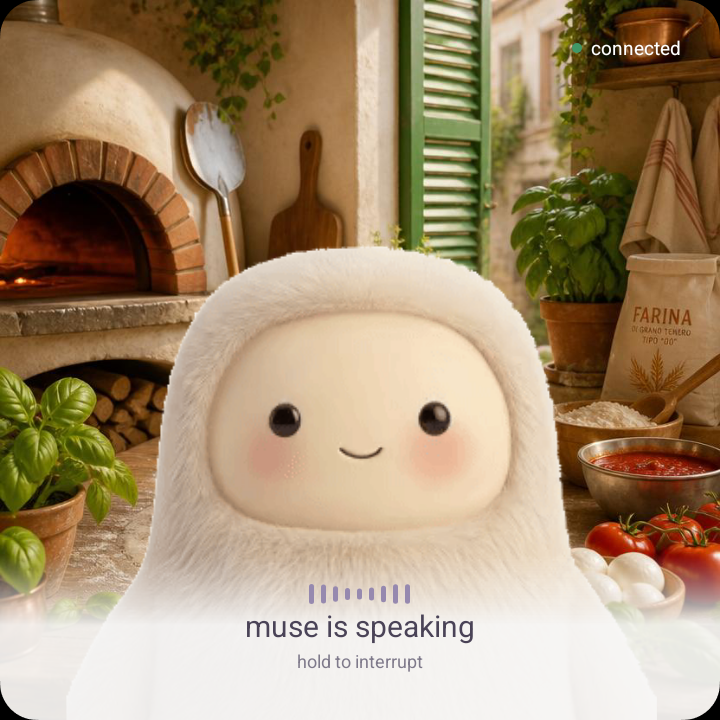
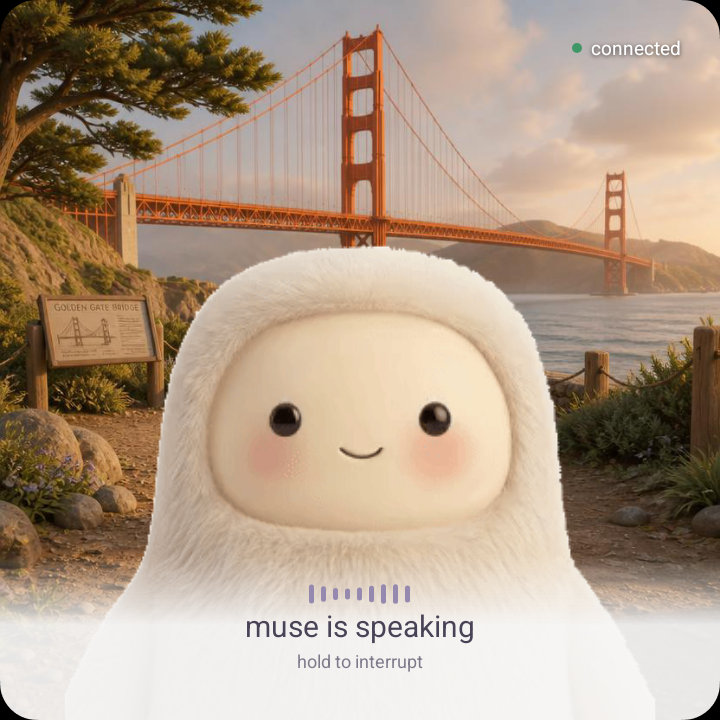
I tried generating the scene in parallel with the answer, then generating only a background behind the original animated character, but the latency was still too high to be useful. The visual wasn't worth the wait, so I removed it.
Making it fast
I still wanted to do something interesting with the UI, but I didn't want to compromise on latency. I replaced the generative images with a short caption beneath Muse: a date, a place, or a few useful words.
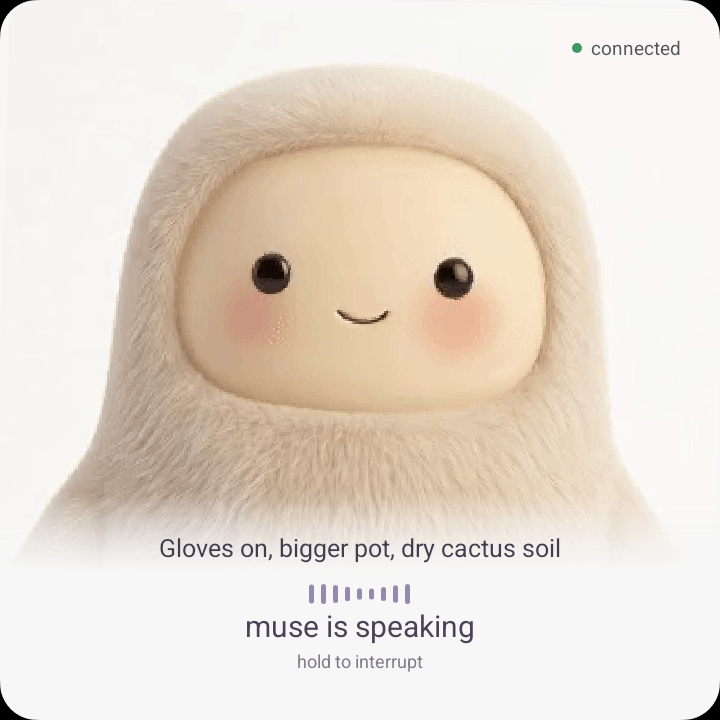
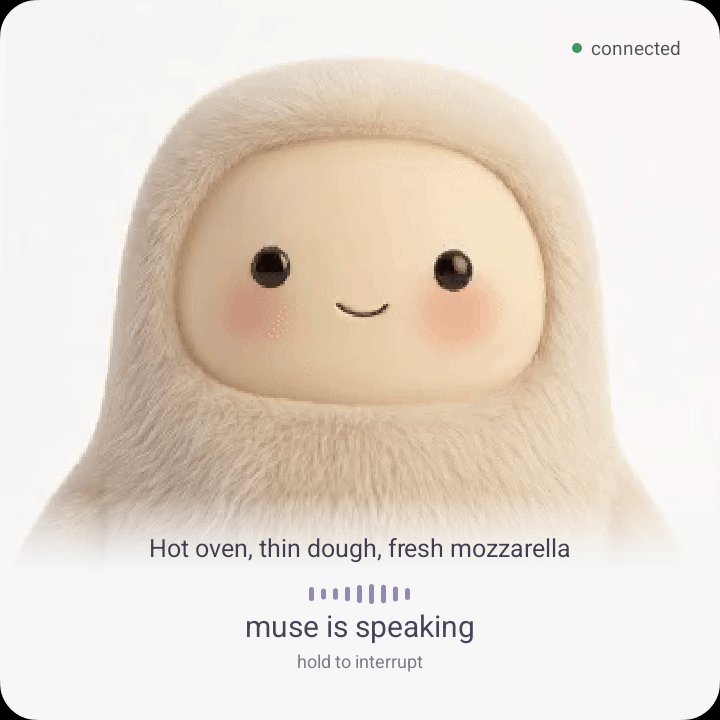
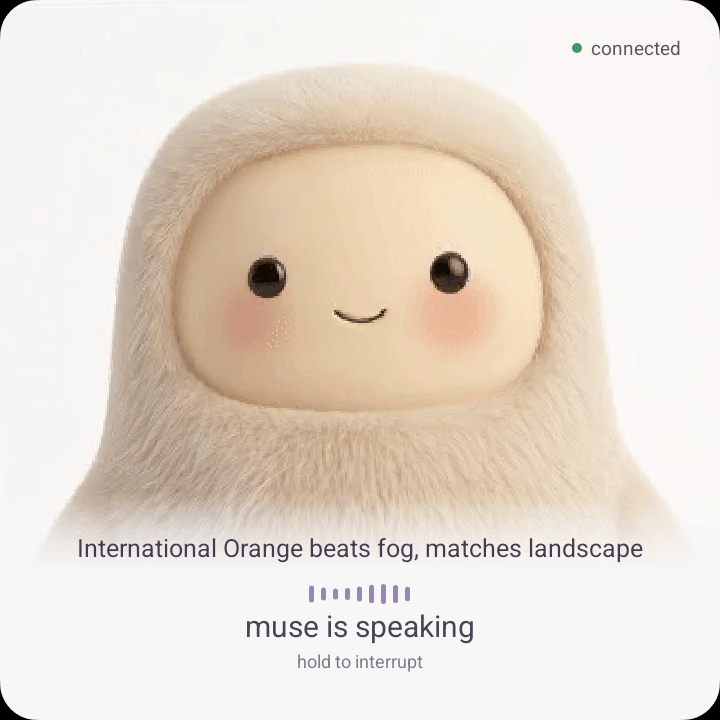
Muse supplies the caption alongside the spoken answer, and Android renders it locally, so I didn't need any extra model calls. I also changed the app to stream audio instead of downloading the entire speech response before playback. This lets Muse start talking while the rest of the response is still arriving.
The end result
With the voice, animation, and captions working together, I took my Meadow outside (where it belongs) to try it.
Overall, I'm happy with how it turned out. It's capable of anything the Muse on my mobile or desktop can do and looks cute while doing it. The responses still take more time than I'd like, but the bottleneck is now out of my control. You can find the code for this project on my GitHub. Feel free to clone it to build your own little Muse gadget.
What I learned
Hacking on hardware has never been easier. Once I connected Codex to the Meadow and gave it the Muse Gadgets SDK, I just let it rip.
But while this looked like a hardware project, it was really all about software. The Meadow already had a screen, microphone, speaker, and working electronics. I just changed what those things did. Designing the enclosure in CAD, laying out a circuit board, or assembling the device itself would have been a much harder project to hand to a model. FrontierCAD by Normal explores this gap in more detail.
There's a lot of interesting work left on both sides: models that can design parts and circuits reliably and robots that can turn those designs into working hardware. I'd love to get to the point where building a physical object from a description is as easy as getting Muse running on my Meadow was. If you are working on anything related, I'd love to hear about it.